Shopping Cart


Catalog of Modules for PrestaShop and Web Plugins
Have you updated the images of your store but your invoices and delivery notes still show the old image?This is a common error in PrestaShop due to how the PDF generation library stores images on the server.
MW PDF Image Cache Fix The definitive tool to ensure that the image is always correct in all your official documents.
PrestaShop uses a caching system for PDF files (invoices, delivery notes, returns).Often, even when you clear the general cache of the store, images within PDFs do not update.This gives a un un impression image and confusion among customers.
This module Automate the cleaning of that temporary storage. Ensuring that any visual change is reflected instantly.
Automatic Cleaning: The module automatically detects when you change the image of your store, on the invoice or or email email in PrestaShop settings and cleans up the PDF cache for you.
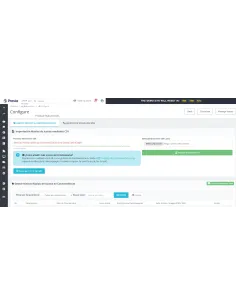
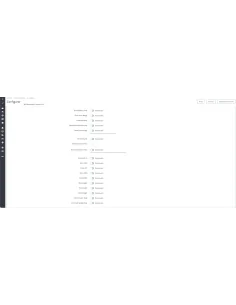
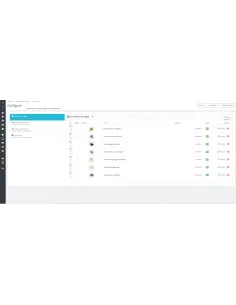
Intuitive Control Panel: Includes an interface in the Backoffice where you can see how many cache files exist and manually delete them with a single click.
Support for Scheduled Tasks (CRON): Includes a specific URL to configure a CRON, allowing the cleaning to be performed periodically without manual intervention.
Action Report: When cleaning manually, the module tells you exactly how many and which files have been deleted for your peace of mind.
Clean Installation: Create your own access within the "Advanced Parameters" menu so that you always have it at hand.
Impeccable Brand Image: Your customers will always receive invoices with the most recent image.
Time Savings: Avoid having to log in via FTP to manually delete files in hidden folders on the server.

No questions yet. Be the first to ask a question!








Have you updated the images of your store but your invoices and delivery notes still show the old image?This is a common error in PrestaShop due to how the PDF generation library stores images on the server.
MW PDF Image Cache Fix The definitive tool to ensure that the image is always correct in all your official documents.